Description
Microsoft Office 365 for Employees: Empowering Productivity, Collaboration and Workplace Efficiency
In today’s digital workplace, employees are expected to work efficiently, communicate effectively, collaborate seamlessly, and manage information across multiple platforms. Microsoft Office 365 provides a powerful suite of applications that enable employees to increase productivity, improve communication, streamline workflows, and work more effectively both in the office and remotely.
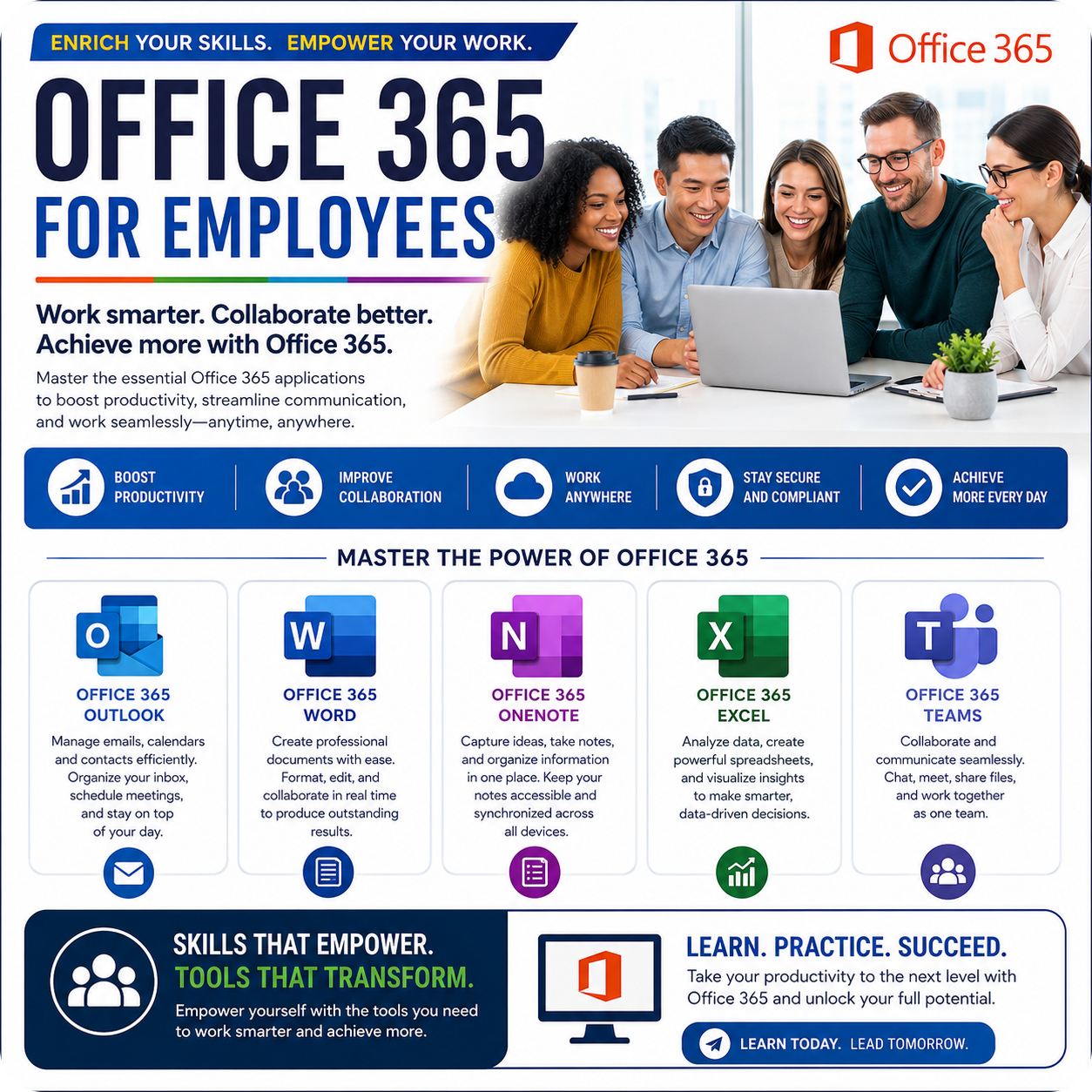
The Microsoft Office 365 for Employees programme is designed to help employees develop practical skills in the most widely used Office 365 applications. Participants will learn how to use Outlook, Word, OneNote, Excel, and Teams to organise their work, manage communication, create professional documents, analyse information, collaborate with colleagues, and improve overall workplace performance.
Through hands-on exercises and real-world workplace scenarios, participants will gain confidence in using Office 365 tools to increase efficiency, improve teamwork, and support organisational success in today’s technology-driven business environment.
Key Learning Areas
Office 365 Outlook
Learn how to effectively manage emails, calendars, contacts, tasks, and meetings. Participants will discover techniques for organising inboxes, scheduling appointments, managing communication, and improving productivity through Outlook’s powerful features.
Office 365 Word
Develop the skills required to create professional documents, reports, letters, proposals, and business communications. Learn formatting techniques, document collaboration tools, templates, styles, and productivity features that improve document quality and consistency.
Office 365 OneNote
Discover how to capture, organise, and manage notes effectively. Learn how to create digital notebooks, store information, organise meeting notes, track projects, and access information across multiple devices.
Office 365 Excel
Learn how to create spreadsheets, manage data, perform calculations, analyse information, and generate reports. Participants will gain practical skills in formulas, functions, charts, tables, data management, and productivity-enhancing features that support better decision-making.
Office 365 Teams
Explore how Microsoft Teams supports workplace collaboration, communication, virtual meetings, file sharing, project coordination, and teamwork. Learn how to work more effectively with colleagues regardless of location.
Programme Benefits
✔ Improve workplace productivity and efficiency
✔ Strengthen communication and collaboration skills
✔ Manage emails, calendars, and meetings more effectively
✔ Create professional business documents with confidence
✔ Organise information and notes efficiently
✔ Analyse and report on data using Excel
✔ Collaborate seamlessly using Microsoft Teams
✔ Improve remote and hybrid working capabilities
✔ Reduce time spent on routine administrative tasks
✔ Increase confidence in using Microsoft Office 365 applications
Who Should Attend?
✔ Employees at all levels
✔ Administrative Professionals
✔ Office Managers and Coordinators
✔ Supervisors and Team Leaders
✔ Customer Service Professionals
✔ Sales and Marketing Teams
✔ Human Resources Professionals
✔ Anyone wanting to improve their Office 365 skills and workplace productivity
Learning Outcomes
Upon completion of this programme, participants will be able to use Office 365 applications more effectively, manage communication efficiently, create professional documents, organise information, analyse data, collaborate with colleagues, and apply productivity-enhancing techniques that improve workplace performance.
Why Office 365 Skills Matter
Microsoft Office 365 has become the standard productivity platform used by organisations worldwide. Employees who can confidently use Office 365 applications are more productive, better organised, and more capable of collaborating effectively within modern workplaces.
Developing Office 365 skills not only improves day-to-day efficiency but also enhances professional capability, supports career development, and contributes to organisational success.
Invest in Digital Skills. Invest in Productivity.
Whether your goal is to improve communication, streamline workflows, strengthen collaboration, or increase employee productivity, this programme provides practical knowledge and hands-on skills that employees can apply immediately in their daily work environments.
Work Smarter. Collaborate Better. Achieve More with Microsoft Office 365.